How does InstructorHUB work?
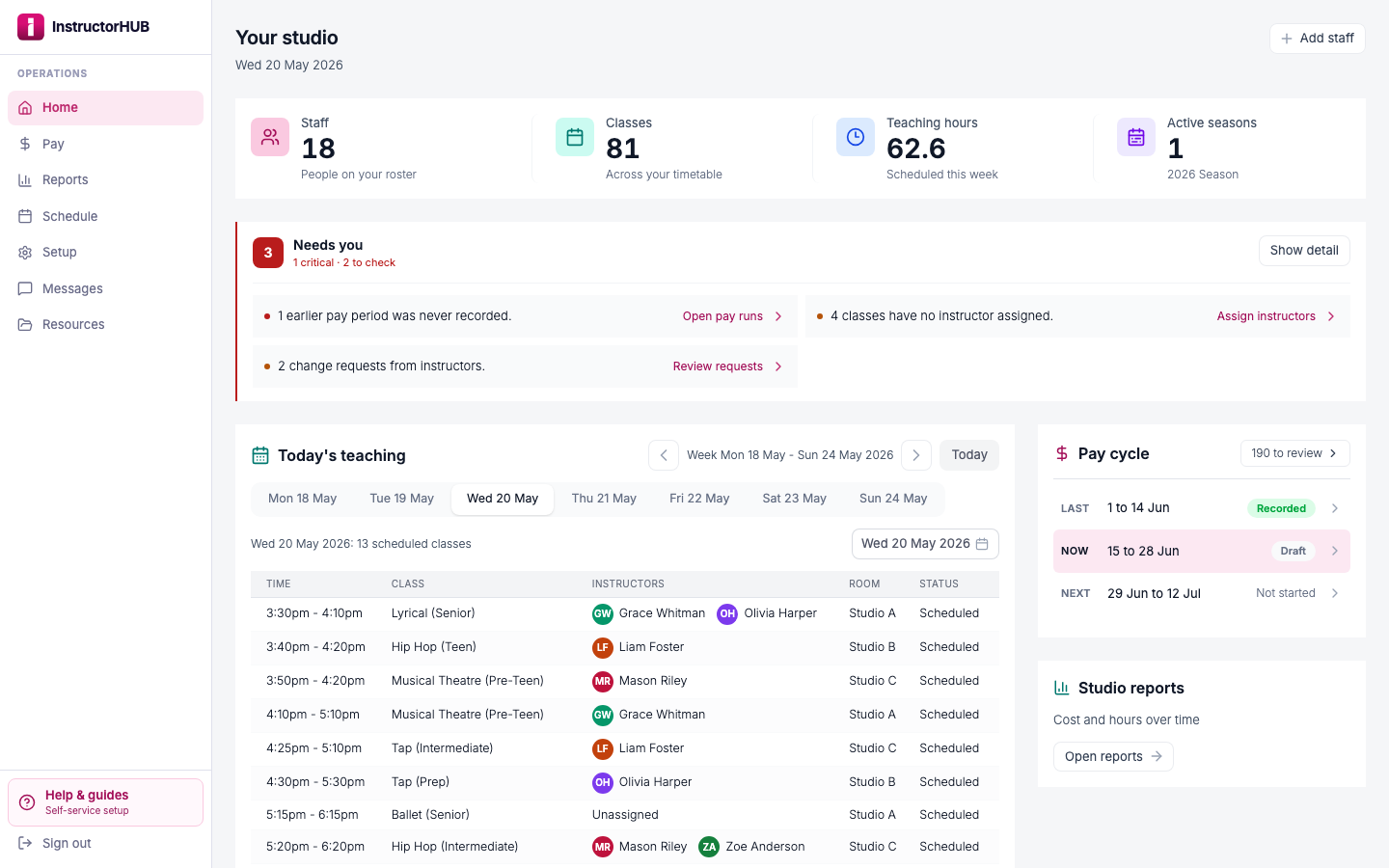
Click through the real app with a sample studio already loaded: a cover arranged from today's teaching list, the pay run it saves straight to, and the instructor's own view. No sign-up, and it never touches a real studio's data.
Interactive, about 2 minutes
What you'll see
The same seven moments the walkthrough plays, in order.
Step 1
Paste your timetable here, or upload a spreadsheet or PDF instead.
Step 2
We'll paste in a sample week of classes.
Step 3
Classes and instructors are matched automatically. Priya Desai is new, so she's added outside pay until you set her up.
Step 4
Choose the season this timetable belongs to.
Step 5
Confirm you've reviewed the teaching dates and holiday closures.
Step 6
Review everything before anything is created.
Step 7
Confirm, and your classes and new people are created together, outside pay until you set them up.
See your own timetable turn into payroll-ready hours.
Start free for 14 days, no card. Import your timetable and see your first pay period's approved hours take shape.